Categories
Helpdesk Application
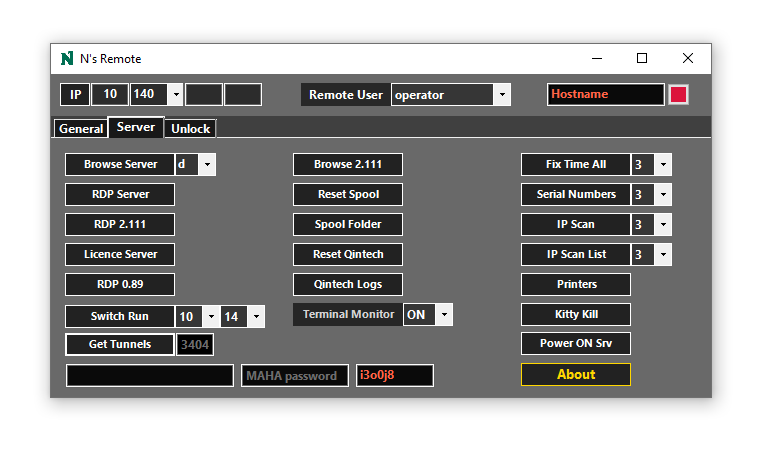
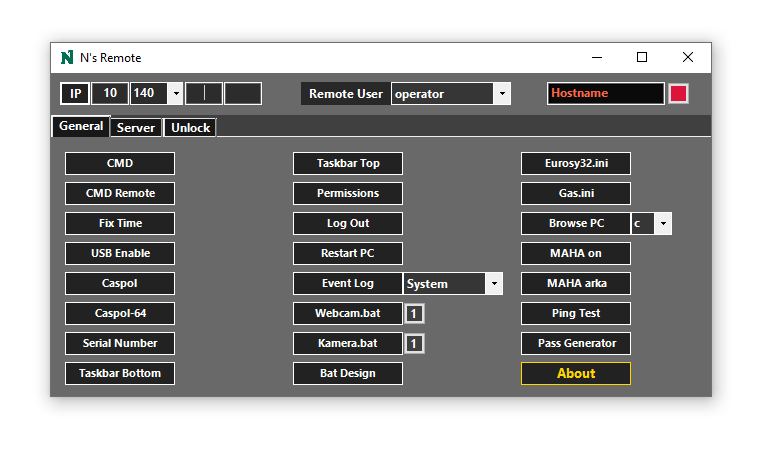
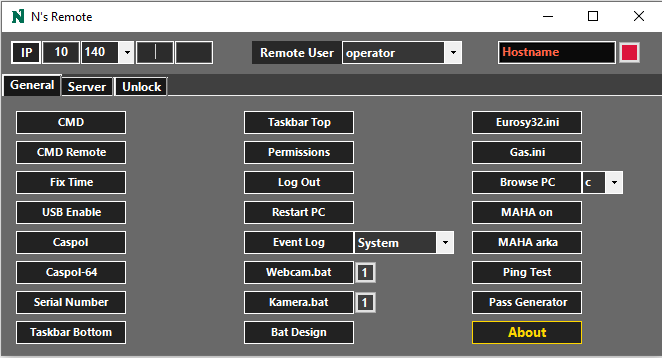
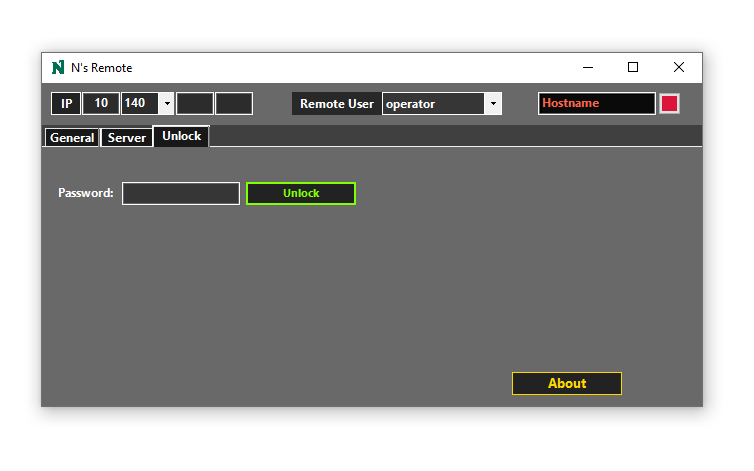
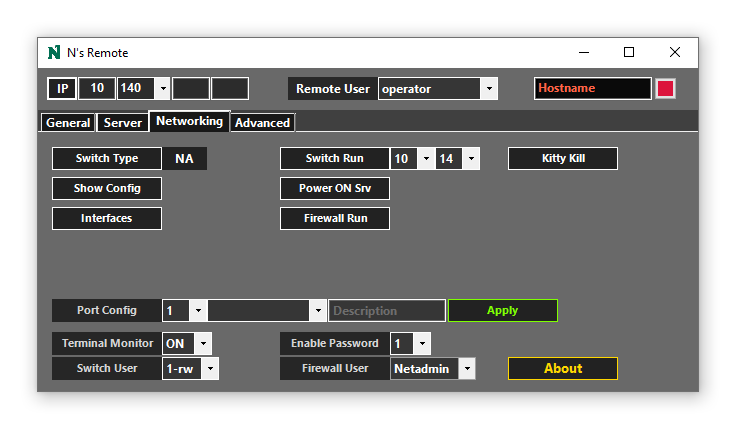
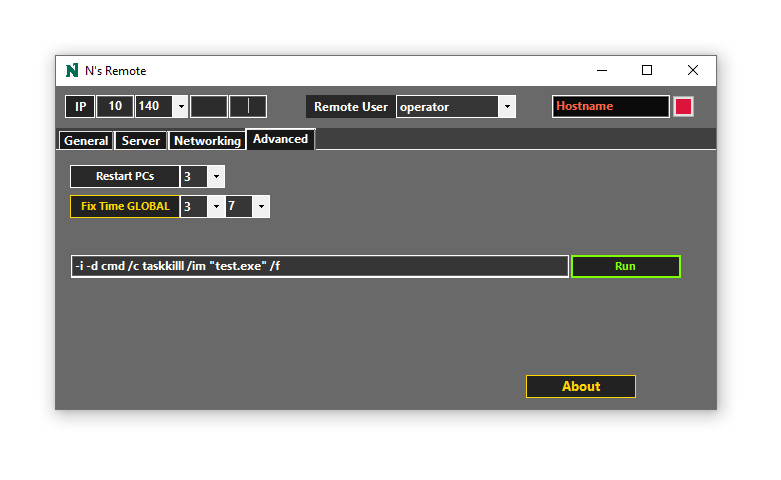
A simple domain-based remote execution application written in C# .NET.
Windows Forms was chosen because the application was intended to be used via an RDP session.
Features:
-
-
- Getting Hostname from the IP via DNS automatically or vice versa
- Launching an interactive CMD session
- Running time sync command on the remote host
- Running specified USB enabling commands with privileges on the remote host
- Obtaining the serial number of the entered host
- Changing the taskbar location for the user remotely
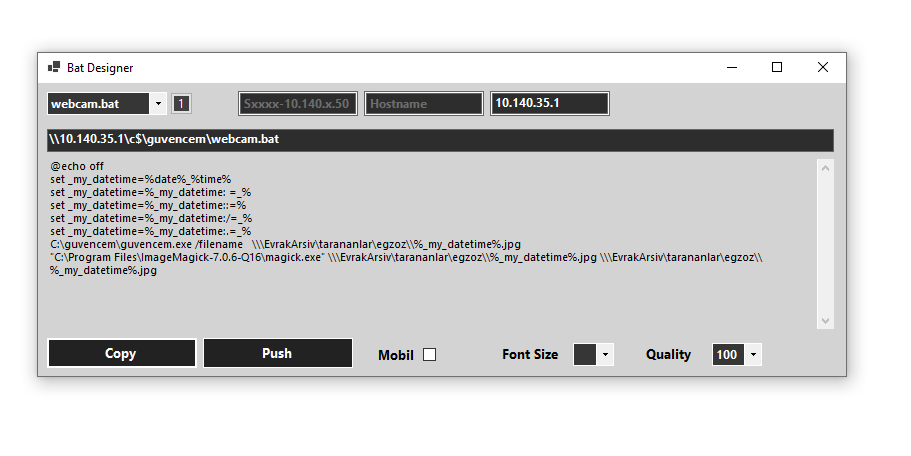
- Creating specific batch files automatically for the given hostname or IP (Bat Designer)
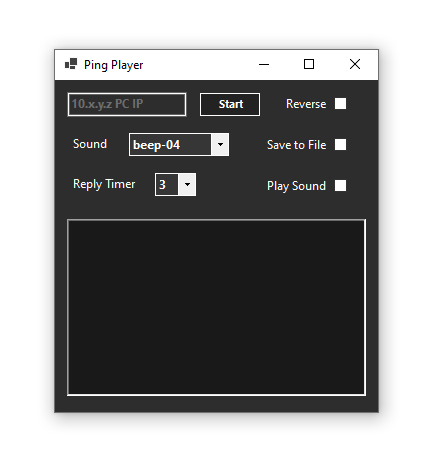
- Pinging a specific IP address with sound selection for alerts and logging
- Generating a password with a key press (Enter) and copying it to the clipboard
- Creating event logs on the drive chosen on the remote computer
- Registering the selected user’s credentials on the system and opening certain files/folders on the remote computer (notepad/explorer)
- RDP buttons to register the selected user’s RDP credentials and initiate an RDP connection
- Launching SSH sessions and running scripts for quick actions (terminal monitor – display interfaces brief – show running config)
- Applying selected port configs to the selected port
- Running an IP scan on the given subnet
- Running a serial number scan on the given subnet, returning a table consisting IP, Hostname and SN
- Quick launch for various business specific files and configurations on the remote device
- Automatic search action upon entering the /24 subnet, returning station name and network tunnel information
- Remotely power on the server of the entered subnet via IMM (SSH)
-